Creating content consistently can be difficult. You need ideas, scripts, graphics, videos, captions, and sometimes even SEO content. Doing everything manually can take a lot of time.
That is where AI tools can help.
The best AI tools for content creators can help you brainstorm ideas, write content, create visuals, edit videos, and repurpose existing content. However, each tool has a different purpose.
In this guide, we look at five useful AI tools for content creators in 2026: ChatGPT, Jasper, Canva, Descript, and CapCut.
What Are AI Tools for Content Creators?
AI content creation tools use artificial intelligence to help with different parts of the creative process.
Depending on the platform, you can use AI to:
- Generate content ideas
- Write scripts and articles
- Create images and designs
- Edit videos
- Generate captions
- Improve audio
- Repurpose long-form content
- Create social media posts
- Build marketing content
The goal is not to replace your creativity. Instead, AI can handle repetitive tasks and help you move from an idea to finished content faster.
1. ChatGPT
Best for: Writing, brainstorming, research, scripts, and general content creation
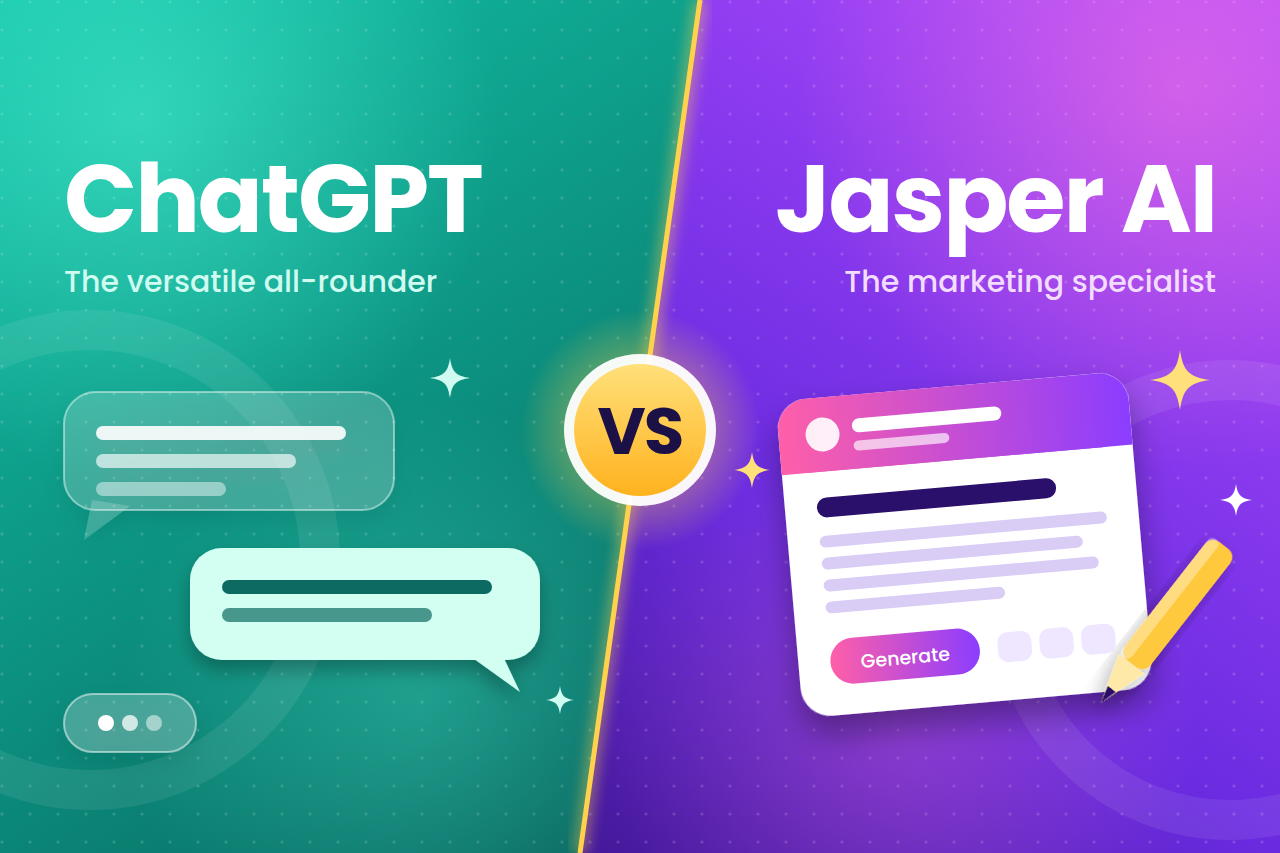
ChatGPT is one of the most flexible AI tools available to content creators.
You can use it to brainstorm YouTube ideas, write video scripts, create social media captions, develop blog outlines, rewrite content, and generate content briefs.
It can also create and edit images. OpenAI’s current ChatGPT Images experience allows users to generate new images and edit existing ones through natural-language instructions.
For creators who work across several platforms, this flexibility can be useful.
For example, one YouTube video idea can become a script, Instagram caption, LinkedIn post, short-form video concept, and blog outline.
Pros
- Useful for many different content tasks
- Good for brainstorming and writing
- Can generate and edit images
- Easy to use with natural-language prompts
- Useful for both beginners and experienced creators
Cons
- Output still needs human review
- Generic prompts can produce generic content
- It may not replace specialist tools for advanced video editing or graphic design
Who should use ChatGPT?
ChatGPT is a strong option for creators who want one general-purpose AI assistant for writing, ideas, research, and creative work.
2. Jasper
Best for: Marketing content and brand-focused creators
Jasper is an AI platform designed specifically around marketing and content creation.
It can help marketers and creators produce written and visual content while keeping their brand style in mind. Jasper describes itself as a generative platform built for marketing, with tools designed to support content across channels such as websites, email, and social media.
One advantage of Jasper is its focus on brand consistency.
This can be useful if you create content for a business, agency, website, or personal brand and want your content to follow a consistent tone.
Jasper currently offers a Pro plan at $69 per month when billed monthly or $59 per month when billed annually, according to its official information. It also offers a 7-day trial, although trial terms can change.
Pros
- Built with marketers in mind
- Useful for brand-focused content
- Supports multiple content workflows
- Useful for businesses and marketing teams
- Can help maintain consistent brand messaging
Cons
- More expensive than some general AI tools
- Some creators may not need its marketing-focused features
- Pricing and available features can change
Who should use Jasper?
Jasper is worth considering if you are a content marketer, affiliate marketer, agency, or business creator who produces a lot of branded content.
Interested in trying Jasper?
Explore Jasper AI
3. Canva
Best for: Social media graphics, presentations, images, and visual content
Canva is already popular among content creators, but its AI features make it even more useful.
Canva AI can help creators generate designs, write content, create images, edit visuals, and develop content directly inside the Canva ecosystem. Its current AI tools include features for design, writing, image generation, video creation, and more.
For social media creators, this can reduce the need to move between several different applications.
You can create an Instagram post, YouTube thumbnail, presentation, infographic, or promotional graphic from the same platform.
Canva’s Magic Write can also help generate drafts, brainstorm ideas, refine wording, and create social media content.
Pros
- Beginner-friendly interface
- Excellent for visual content
- AI writing and design tools in one platform
- Useful templates
- Good for social media creators
- Can create and edit different types of visual content
Cons
- Advanced AI features may depend on your plan
- AI-generated designs may still need editing
- Some features have usage limits
Who should use Canva?
Canva is particularly useful for creators who need graphics, thumbnails, social media posts, presentations, and visual marketing content.
Try Canva for your next content project:
Explore Canva AI
4. Descript
Best for: Video, podcast, transcription, and content repurposing
Descript takes a different approach to content creation.
Instead of editing video only through a traditional timeline, Descript lets you edit video by editing the transcript. You can delete words from the transcript and the corresponding parts of the video are edited as well.
This can be especially useful for YouTubers, podcasters, educators, and business creators.
Descript also includes AI tools for transcription, captions, filler-word removal, audio enhancement, video clips, and content repurposing. Its current AI co-editor, Underlord, can assist with video editing based on your instructions.
Pros
- Easy text-based video editing
- Automatic transcription
- AI-powered editing tools
- Useful for podcasts and YouTube videos
- Captions can be generated from transcripts
- Useful for turning long content into shorter clips
Cons
- Primarily focused on audio and video
- Advanced features require paid plans
- New users may need some time to understand all the tools
Who should use Descript?
Descript is a good option for YouTubers, podcasters, educators, and creators who regularly produce video or audio content.
Explore Descript:
Try Descript
5. CapCut
Best for: Short-form videos and social media content
If you create content for TikTok, Instagram Reels, YouTube Shorts, or other short-form platforms, CapCut is worth considering.
CapCut offers AI-powered video, image, audio, captioning, and editing features. Its current AI tools include AI video generation, AI image generation, voice generation, automatic captions, and AI-assisted editing.
One advantage is that CapCut supports mobile, desktop, and online workflows, making it convenient for creators who want to edit content without relying on a high-end computer.
For example, you can create a short video, add captions, improve the audio, and prepare it for social media.
Pros
- Strong focus on short-form video
- AI-powered editing features
- Automatic captions
- AI voice and image tools
- Useful for social media creators
- Available across multiple platforms
Cons
- Some advanced features may require payment
- The large number of features can feel overwhelming
- AI-generated content still needs human review
Who should use CapCut?
CapCut is especially useful for TikTok creators, YouTubers, Instagram creators, and anyone producing short-form videos.
Explore CapCut’s AI tools:
CapCut AI Tools
Best AI Tools for Content Creators Compared
| AI Tool | Best For | Main Strength |
| ChatGPT | Writing and ideas | Versatile content assistance |
| Jasper | Marketing content | Brand-focused workflows |
| Canva | Visual content | Designs and social media graphics |
| Descript | Video and podcasts | Text-based editing |
| CapCut | Short-form video | AI-powered video editing |
How to Choose the Right AI Tool
You do not necessarily need all five tools.
Choose based on the type of content you create.
For writing: ChatGPT is a flexible starting point.
For marketing content: Jasper is designed around marketing workflows.
For graphics: Canva is a practical choice.
For YouTube and podcasts: Descript offers powerful transcription and editing features.
For TikTok, Reels, and Shorts: CapCut is built around video creation and editing.
Many creators may eventually use more than one tool because different platforms solve different problems.
Are AI Content Creation Tools Worth Using?
AI tools can save time, but they should not replace your own judgment.
AI-generated content can contain mistakes, sound repetitive, or lack the personal experience that makes content valuable.
The best approach is to use AI for the parts of the process that slow you down.
For example, you can use AI to brainstorm ten video ideas, choose the best one yourself, create an initial script, add your own experience, edit the final version, and then publish it.
This creates a better balance between AI efficiency and human creativity.
Final Thoughts
The best AI tools for content creators depend on what you create.
ChatGPT is useful for writing and brainstorming. Jasper focuses heavily on marketing content. Canva is excellent for visual creation. Descript is designed for video and audio workflows, while CapCut is particularly useful for short-form video.
Instead of choosing a tool simply because it is popular, think about your content workflow.
Ask yourself: What part of content creation takes me the most time?
Then choose the AI tool that solves that specific problem.
If you are building a serious content business, try the tools that match your workflow and compare their features, pricing, and results before committing to a paid plan.